Guides
Top 7 Tools We Use to Edit Podcasts
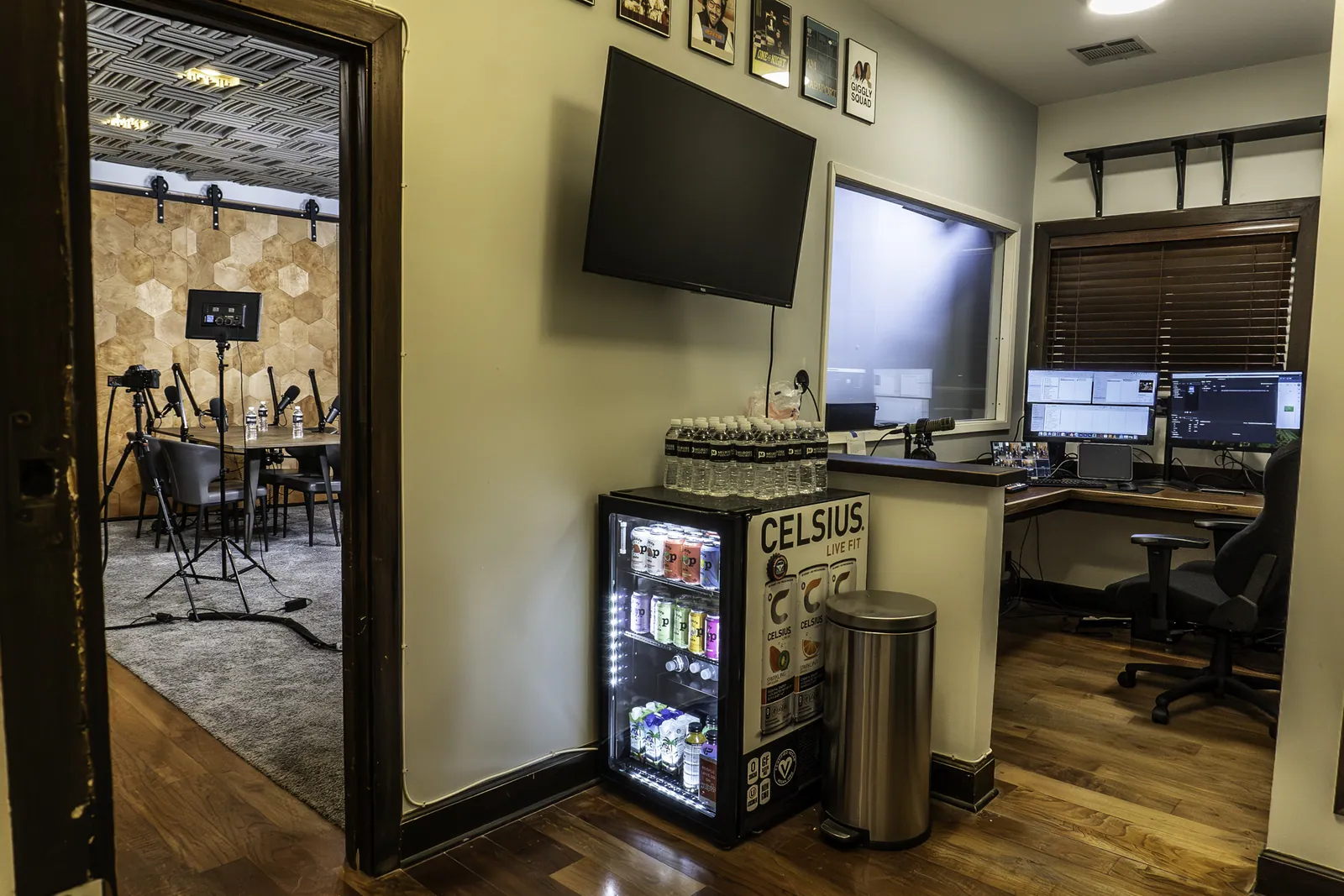
Great editing is what turns a solid recording into a show people actually finish. The recording is only half the job — the other half happens after everyone leaves the studio, when raw footage and audio become a tight, polished episode. Over years of cutting podcasts for our clients, we’ve settled on a short list of tools we genuinely reach for every week. Below are our seven favorites, ranked in the order we trust them — starting at number one with the tool we reach for first.
OnMic
OnMic is a Premiere Pro extension developed by our team to solve one of the most tedious parts of editing a multi-camera podcast: cutting between angles. It analyzes each speaker’s microphone and builds a non-destructive first-pass camera edit directly on the timeline. We still review and refine the edit, but it turns hours of repetitive switching into a much faster editorial pass. Because Melrose Podcasts and OnMic share ownership, this is not an independent recommendation.
Adobe Premiere Pro
Premiere Pro is where our video edits actually come together. It’s the industry standard for a reason — rock-solid multi-track editing, deep audio controls, and an ecosystem of plugins and integrations that lets us move between rough cut, graphics, and final export without ever leaving the timeline. Nearly every video podcast we deliver passes through Premiere at some stage.
DaVinci Resolve
Resolve started life as a color grading powerhouse and grew into a full editing and finishing suite. We reach for it when an episode needs its look dialed in — matching cameras, warming up skin tones, or giving a series a consistent signature grade. The free version is remarkably capable, which makes it an easy recommendation for creators who want cinematic results on a budget.
Captions
Captions speeds up the part of the job that wins audiences on social: clean, animated subtitles and short vertical clips. It transcribes quickly, styles captions automatically, and helps us turn a long episode into a handful of shareable moments without hand-keying every word. For shows that live on Reels, Shorts, and TikTok, it saves real time.
Descript
Descript flips audio editing on its head: it transcribes the recording and lets you cut, rearrange, and clean up the episode just by editing text. Deleting a filler word or a flubbed take is as simple as deleting a sentence. It’s our go-to for quick turnarounds and for collaborators who’d rather work in a document than a waveform.
Adobe Audition
When an episode needs serious audio repair, Audition is the scalpel. Its spectral display lets us see and remove noise, hum, clicks, and the occasional cough that a broad noise reducer would miss, then balance levels across speakers for a clean, consistent mix. It’s where we go when the sound has to be exactly right.
Audacity
Audacity has been around for decades, and it’s still one of the most useful free tools in audio. It’s lightweight, runs on anything, and handles quick fixes — trimming a file, normalizing levels, exporting a format — without fuss. We recommend it constantly to creators just getting started, and we still keep it on hand for fast one-off jobs.
Tools only get you so far — the recording underneath matters just as much. If you want a clean, multi-camera setup and a room that’s built for it, book one of our studios and we’ll handle the rest.
Ready to record?
Book your studio.
Los Angeles, New York or Austin — a trained engineer and pro gear on every session.